
The CMS you choose directly impacts your ability to create and optimize content, manage technical SEO aspects, and provide a seamless user experience.
Selecting an SEO-friendly CMS and using it effectively can streamline your SEO efforts and contribute to better search engine rankings.
This article shares the best content management systems to power your SEO.
What Exactly is a CMS?
A content management system, or CMS, is like a user-friendly computer program that helps people create, organize, and share words, pictures, videos, and more on websites without needing to be computer experts.
Here are the key features and functionalities of a CMS:
- Content Creation: Users can create and format content using text editors similar to word processors. They can add text, images, videos, links, and other media.
- Content Editing: CMSs allow for real-time content editing and revisions. Multiple users can collaborate on content creation, with role-based permissions controlling who can edit, review, or publish content.
- Content Organization: Content is organized into categories, tags, and hierarchies, making it easy to manage and navigate. This organization helps with SEO and user experience.
- Media Management: CMSs include libraries for uploading, storing, and managing multimedia files. Users can access and reuse media assets across the website.
- User Management: User roles and permissions can be assigned to control who has access to specific content, features, and administrative functions.
- Templates and Themes: CMSs offer customizable templates and themes to control the website’s design and layout. Users can apply themes to change the site’s appearance without altering the content.
- SEO Tools: Many CMSs include SEO-friendly features, such as customizable URL structures, meta tags, and the ability to add alt text to images.
- Plugins and Extensions: CMSs support plugins or extensions that add additional functionalities and integrations, allowing users to extend the CMS’s capabilities.
What to Look for When Choosing a CMS for SEO
Here’s what to look for when selecting a CMS with SEO in mind:
Analytics
Ensure the CMS provides real-time or near-real-time data on website traffic and user interactions. Real-time data helps you respond quickly to changing trends or issues.
Look for a CMS that allows you to create customizable dashboards tailored to your specific reporting needs. Customizable dashboards make it easy to access and visualize the data that matters most to your organization.
A user-friendly analytics interface is crucial, especially if multiple team members use the CMS for reporting and analysis.
Mobile Friendly Design
A mobile-friendly CMS helps you meet SEO best practices, which can lead to improved visibility and organic traffic.
Moreover, managing multiple website versions (e.g., desktop and mobile) can be costly and time-consuming. With a mobile-friendly CMS, you can maintain a single website that adapts to various devices, reducing development and maintenance expenses.
Performance
A fast and responsive CMS contributes to an excellent user experience. Visitors expect websites to load quickly and respond promptly to their interactions.
A slow CMS can frustrate users, leading to higher bounce rates and a negative perception of your brand.
Moreover, page loading speed is one of the important ranking factors for Google. Slow-loading sites can result in lower search engine rankings, reduced organic traffic, and missed SEO opportunities. A fast CMS helps improve SEO performance and visibility in search results.
Also, website performance directly affects conversion rates.
Faster websites have higher conversion rates because users can complete desired actions, such as purchasing, signing up, or submitting a form faster.
Hence, when evaluating CMS options, consider factors like server load times, page load speed, optimization features, and scalability.
Redirection Tools
Redirections are essential for SEO. They enable you to consolidate link signals and avoid content duplication issues.
Additionally, they facilitate the removal of low-quality or outdated content without harming your SEO rankings.
Hence, robust redirection tools within a CMS are vital for maintaining a seamless user experience, preserving SEO rankings, and efficiently managing changes to your website’s structure and content.
When evaluating CMS options, consider the built-in redirection tools’ effectiveness, flexibility, and ease of use.
Customization
A CMS should allow you to create or install custom themes that align with your brand’s visual identity. This includes customizing colors, fonts, layouts, and graphics to create stunning website designs.
Customization often involves adding plugins or extensions to extend the CMS’s functionality. Check if the CMS supports a wide range of plugins or has a developer-friendly ecosystem.
Moreover, a CMS should allow you to define and add custom fields to content types. Custom fields enhance content management by accommodating unique data points or attributes for different types of content.
Finally, evaluate whether the CMS supports workflow customization, enabling you to define approval processes, content review stages, and user roles tailored to your organization’s needs.
SEO Plugins
Your chosen CMS should support a lot of popular SEO plugins.
SEO plugins simplify the process of optimizing your website for search engines. They provide user-friendly interfaces that make it easier for non-technical users to implement SEO best practices.
Best CMS for SEO
Here are the world’s leading CMS platforms that are best for SEO:
WordPress
WordPress is an open-source and SEO-friendly CMS well-suited for bloggers, small businesses, and content-driven websites. It offers numerous SEO plugins to improve the performance of your website in organic search results.
Launch Date: WordPress was first released in May 2003.
Number of Users/Websites: WordPress powers around 43% of all websites.
Top Features:
- SEO Plugins: WordPress boasts a vast library of SEO plugins, including popular options like Yoast SEO, The SEO Framework, and more. These plugins offer a wide range of SEO features and customization options.
- On-Page SEO Control: It provides complete control over on-page SEO elements like meta and heading tags to boost the organic performance of your site.
- URL Permalink Structure: It allows you to customize URL structures, creating clean and descriptive URLs that are beneficial for SEO.
- XML Sitemaps: WordPress plugins automatically generate XML sitemaps, simplifying indexing your site’s content by search engines.
- Analytics Integration: It easily integrates with analytics tools like Google Analytics, enabling users to monitor website traffic and gain insights into SEO performance.
- Multilingual Support: WordPress offers plugins like WPML and Polylang for creating multilingual websites, which can expand your audience and improve global SEO.
Pricing: WordPress itself is free and open-source. However, if desired, you must pay for web hosting, domain registration, and premium themes or plugins.
Wix
Wix is another popular CMS for SEO that offers an intuitive website building experience with pre-designed templates and an App Market for additional features. It’s known for its Artificial Design Intelligence (ADI) tool, which assists in creating personalized websites.
Launch Date: Wix was founded in 2006.
Number of Users: Wix has over 250 million users.
Top Features:
- Customizable Meta Tags: Wix allows you to define custom meta tags for each page. These elements are crucial as they directly affect organic rankings and CTR.
- Clean and Search Engine-Friendly URL Structures: It automatically generates clean and SEO-friendly URLs for your web pages. These URLs are concise, descriptive, and easy for search engines to understand, contributing to better indexing.
- Mobile-Responsive Templates: It offers a variety of templates that are designed to be mobile-responsive. Since mobile-friendliness is a significant SEO factor, these templates help ensure your site performs well on mobile devices.
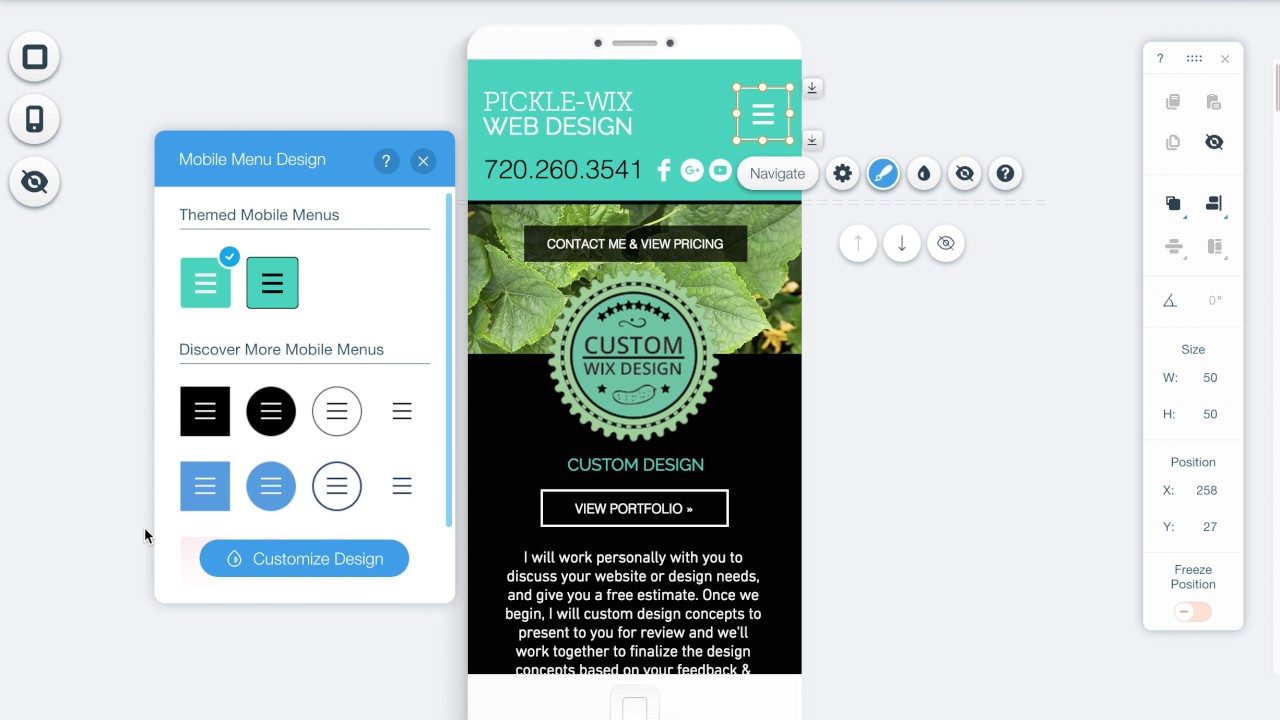
- Image Optimization Tools: Wix provides tools for optimizing images on your website. Optimized images load faster, improving user experience and indirectly impacting SEO rankings.
- SSL Certification (Free): It offers free SSL certificates for all websites created on its platform. Secure websites (with “https://” URLs) are favored by search engines, enhancing your site’s trustworthiness and SEO ranking.

- Automatic XML Sitemap Generation: It automatically generates XML sitemaps for your website. These sitemaps make it easier for search engine crawlers to index and keep your site’s content current.
- 301 Redirects Management: Wix allows you to set up 301 redirects, which is essential for preserving SEO rankings when you change URLs or restructure your site.
- Page Speed Optimization: It optimizes website loading times through its infrastructure and content delivery network (CDN). Faster-loading pages improve user experience and positively impact SEO rankings.
- Google Analytics Integration: It seamlessly integrates with Google Analytics, allowing you to monitor your site’s traffic, user behavior, and other valuable insights. This data helps you refine your SEO strategy.
- AMP (Accelerated Mobile Pages) Support: Wix supports AMP, a technology that delivers content faster and improves the mobile user experience. AMP can positively impact your site’s rankings in mobile search results.
Pricing: Wix offers a free plan with Wix-branded domains, but premium plans start at $16 monthly and include custom domains and more advanced features.
Webflow
Webflow is the newest but highly popular CMS for SEO that empowers marketers to create responsive, custom websites visually and then export clean HTML, CSS, and JavaScript code. It’s a favorite among design-focused professionals who want complete creative control.
Launch Date: Webflow was founded in 2013.
Number of Users: Webflow has over 3.5 million users.
Top Features:
- Precise Design Control: Webflow’s visual web design interface provides precise control over web design and layout, which can be beneficial for creating SEO-friendly websites with clean code.
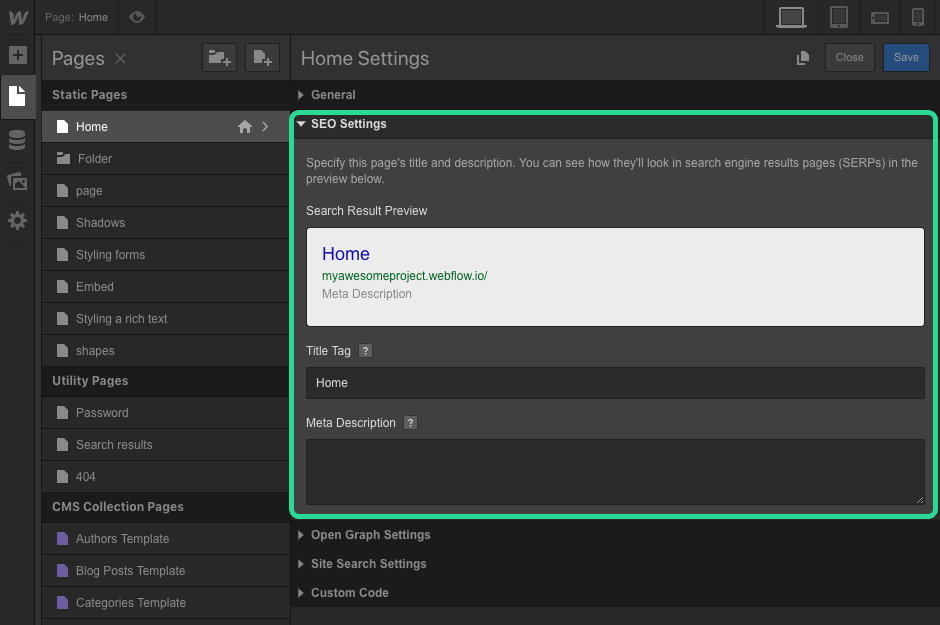
- SEO Settings: It offers SEO settings that include options for generating XML sitemaps and configuring redirects, enhancing search engine accessibility.
- Clean Code Output: The CMS generates clean and efficient HTML and CSS code, which can positively impact SEO by ensuring search engine crawlers can easily understand and index your content.
- XML Sitemaps: It automatically generates XML sitemaps for your website, simplifying the indexing of your site’s content by search engines.
Pricing: Webflow offers free plans with limitations. Paid plans start at $14 monthly and vary based on features and hosting requirements.
Squarespace
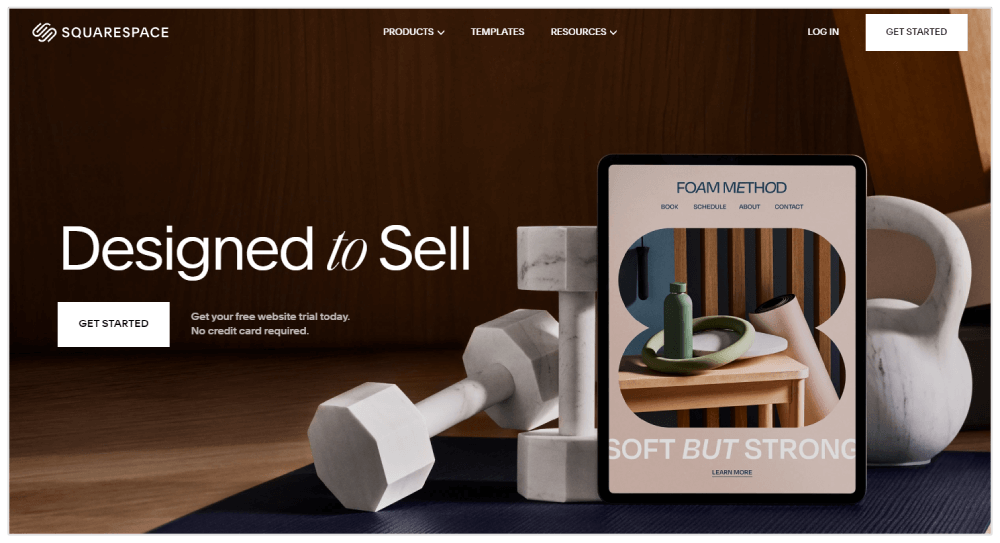
Squarespace is a popular CMS for SEO that is admired for its stunning, professionally designed templates, making it a go-to choice for artists, photographers, and creative professionals. It also provides integrated ecommerce features.
Launch Date: Squarespace was founded in 2003.
Number of Users/Websites: Squarespace has over 4 million users.
Top Features:
- SEO-Friendly Templates with Clean Code: Squarespace provides a selection of professionally designed templates with clean, well-structured code. These templates are optimized for aesthetics and SEO, ensuring your website looks good and ranks well.
- Built-in Analytics and Google Analytics Integration: It provides built-in analytics tools and allows easy integration with Google Analytics, enabling you to monitor website traffic and gain insights into SEO performance.
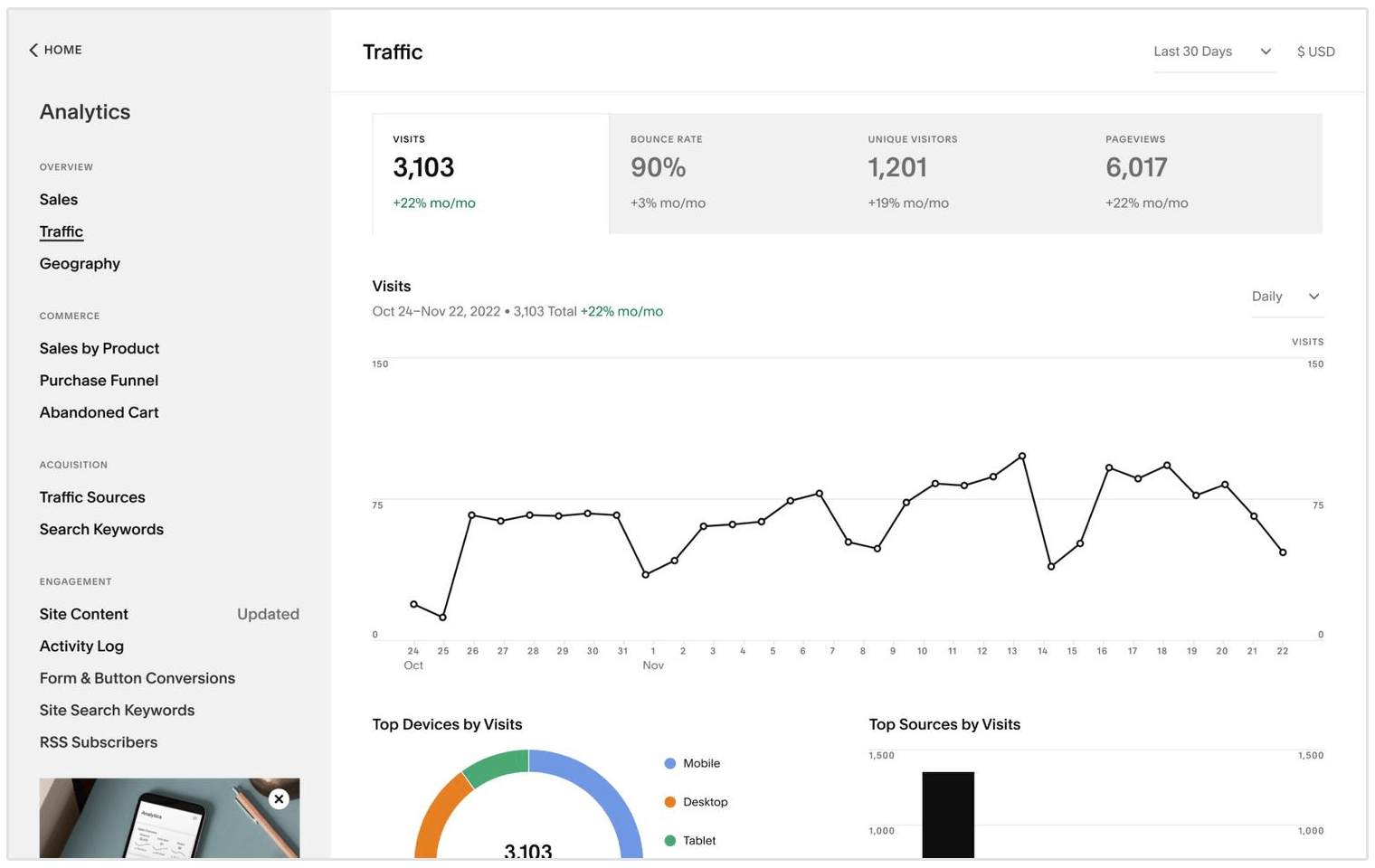
- Built-In Mobile Editor: It offers a built-in mobile editor, allowing you to fine-tune the appearance and layout of your site specifically for mobile devices, which can positively impact mobile SEO.
- Local Business Schema Markup: Squarespace supports schema markup for local businesses, helping to enhance the visibility of your business in local search results.
Pricing: Squarespace offers plans starting at $16 monthly, with ecommerce and advanced features available on higher-tier plans.
Shopify

Shopify is an SEO-friendly ecommerce platform that simplifies setting up and managing online stores. It offers a variety of themes and apps to enhance the shopping experience, making it perfect for entrepreneurs and businesses aiming to sell products online.
Launch Date: Shopify was founded in 2006.
Number of Users/Websites: Shopify powers over 2 million businesses worldwide.
Top Features:
- Rich Snippets and Structured Data: Shopify automatically generates structured data and supports rich snippets, enhancing the appearance of your products in search engine results with product ratings, pricing, and availability information.

- Automatic Alt Text Generation: It automatically creates alt text for product images, improving accessibility and SEO by describing images to search engines.
- Canonical URL Tags for Product Variants: Shopify assigns canonical URL tags to product variants, avoiding duplicate content issues and ensuring search engines index the correct product version.
- SEO Metafields: The CMS allows users to create custom SEO metafields for products, collections, and pages, providing additional flexibility in optimizing content.
- URL Redirects for Deleted Products: When a product is deleted or out of stock, Shopify offers automatic URL redirects to relevant pages, preventing 404 errors and preserving SEO rankings.
- Google Shopping Integration: It seamlessly integrates with Google Shopping, allowing you to showcase your products in Google’s shopping results, expanding your online visibility and potentially boosting sales.

- Pagination Handling: Shopify handles pagination in a search engine-friendly manner, optimizing how paginated pages are indexed and ensuring that the primary content is prioritized.
- SSL on Custom Domains: It provides SSL certificates for custom domains, ensuring secure connections, data protection, and an SEO boost through HTTPS.
- Robots.txt Customization: It allows users to customize their robots.txt file, controlling what search engines can and cannot crawl on their store.
- Bulk Editing and Optimization: Shopify offers bulk editing features, making it easier to optimize multiple product listings simultaneously for SEO elements like titles and descriptions.
Pricing: Shopify plans start at $29 per month for basic online stores, with additional costs for transaction fees and advanced features.
Joomla
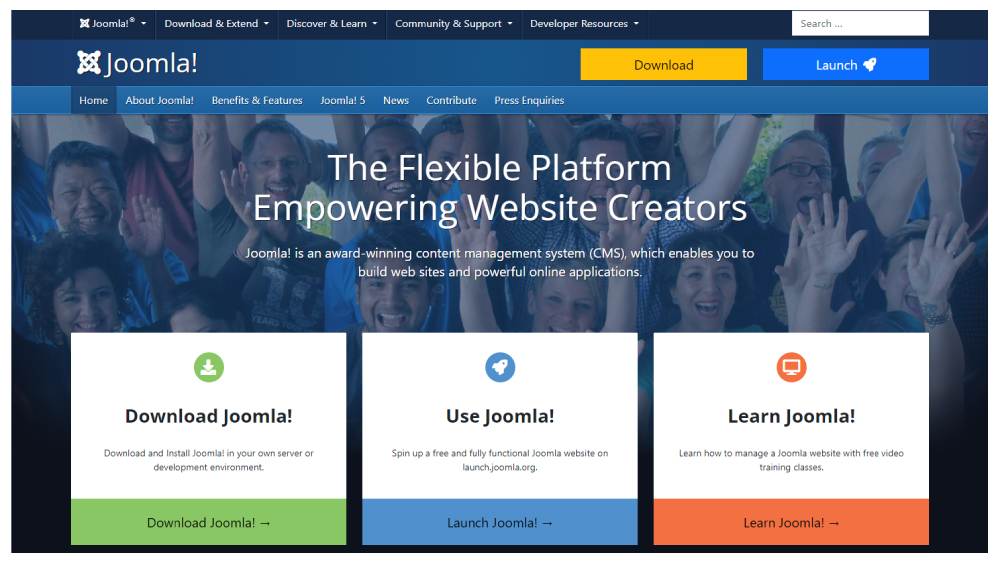
Joomla is a robust CMS for SEO for building community-driven websites, online magazines, and ecommerce platforms. Its flexibility makes it the best choice for developers and larger websites.
Launch Date: Joomla was released in 2005.
Number of Users: Joomla has millions of users, but it’s less popular than WordPress.
Top Features:
- SEO-Friendly URLs: Joomla allows you to create SEO-friendly URLs, making it easy to customize and optimize the structure of your website’s URLs for better search engine visibility.
- Metadata Management: It provides built-in tools for managing metadata, including meta titles and descriptions for individual pages and articles, helping you control how your content appears in search results.
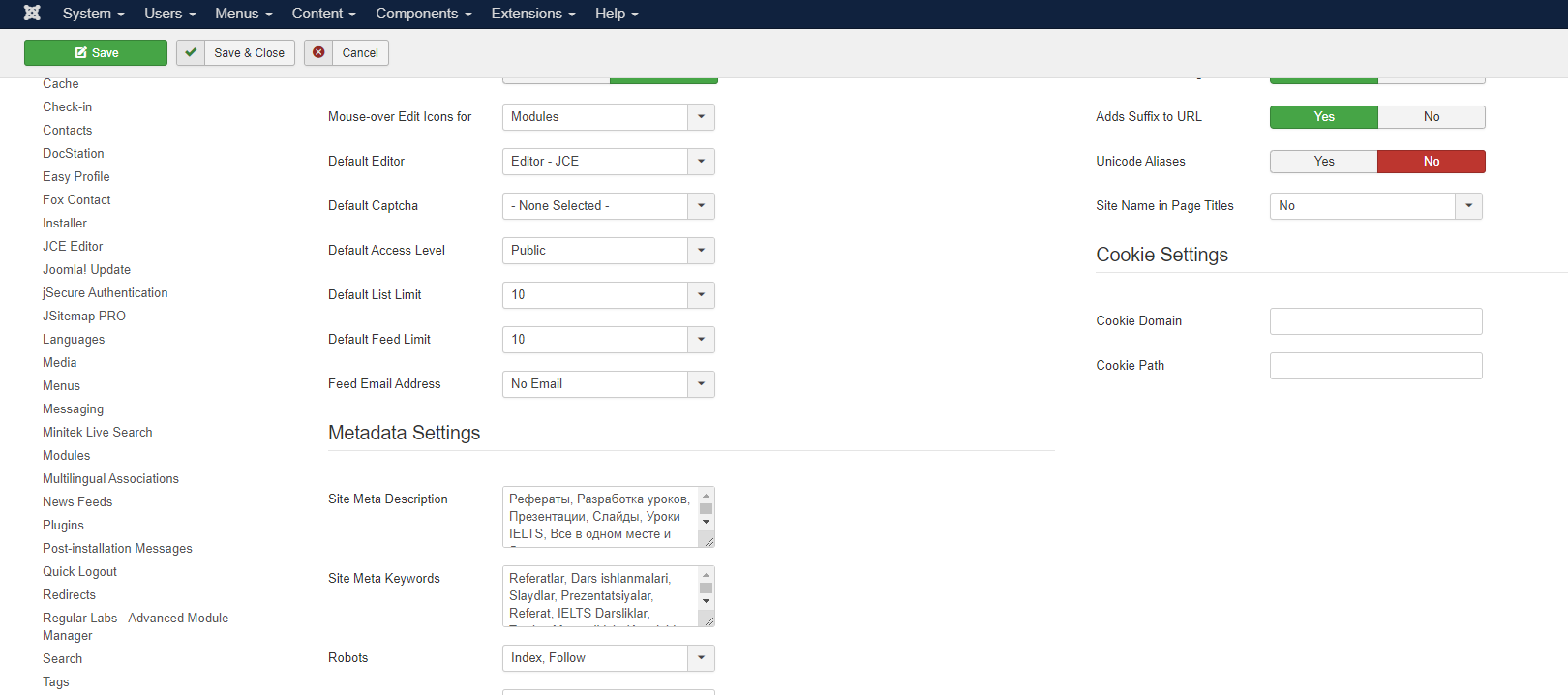
- Customizable URL Structures: It offers flexibility in customizing URL structures for different content types, ensuring your URLs are descriptive and SEO-friendly.
- Canonical Tags: Joomla supports canonical tags, helping to prevent duplicate content issues and ensuring that search engines index the preferred version of your pages.
- SEO Extensions: It has a wide range of SEO extensions available in its extension directory. Popular extensions like SH404SEF offer advanced SEO features, including URL management and metadata optimization.
- Mobile Optimization: Many Joomla templates are designed to be mobile-responsive, ensuring your website performs well on various devices, which is essential for SEO.
- Community Support and Forums: It has a dedicated community and forums where users can seek advice, share SEO tips, and troubleshoot issues, providing valuable resources for optimizing your website.
- Custom Fields for Content: Joomla allows you to create custom fields for articles and content, giving you more control over how your content is structured and presented to search engines.
Pricing: Joomla is open-source and free to use, but you’ll need to pay for hosting and any premium extensions or templates.
Drupal
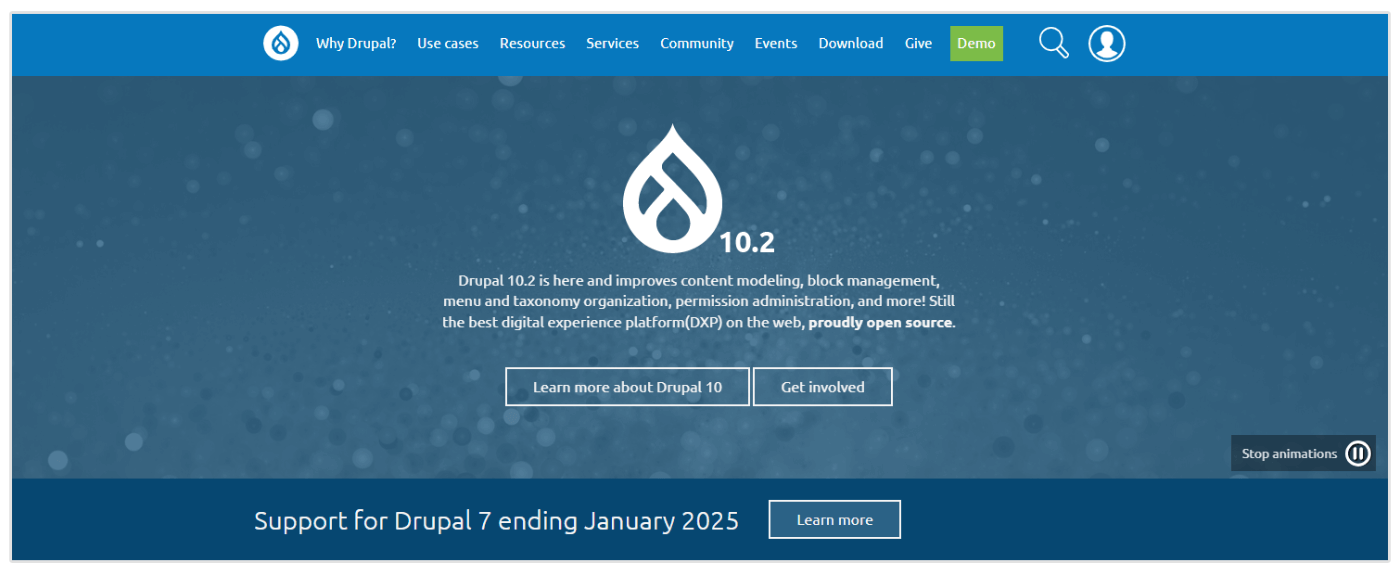
Drupal is an enterprise-level CMS highly regarded for its scalability and security. It’s favored for complex websites, such as government portals and corporate intranets, where customization and security are paramount. However, it requires good technical expertise to use effectively.
Launch Date: Drupal was first released in 2001.
Number of Users: Drupal powers over 1 million websites and is popular among larger enterprises and organizations.
Top Features:
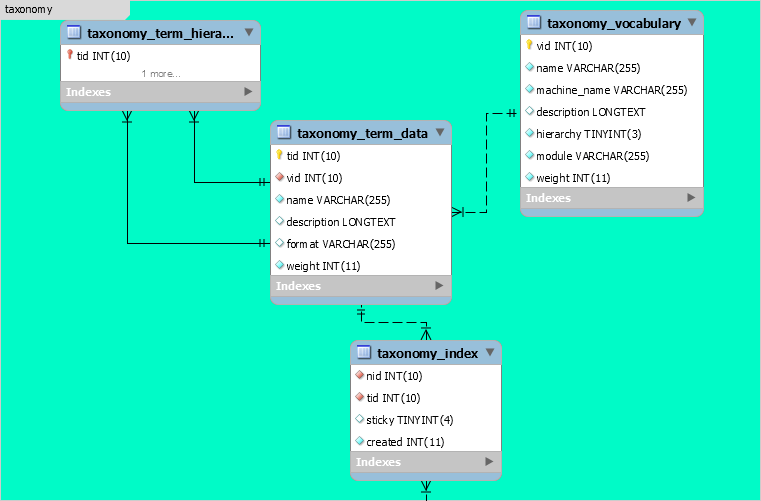
- Taxonomy and Tagging System: Drupal’s advanced taxonomy system allows for sophisticated content organization and tagging, facilitating better content categorization and navigation, which can enhance SEO.
- Content Revision Control: The CMS provides a robust content revision system, allowing you to track and revert to previous versions of content. This can be useful for maintaining SEO consistency over time.
- URL Aliases and Pathauto: Drupal’s Pathauto module automatically generates SEO-friendly URL aliases based on your content’s title, providing clean and descriptive URLs for improved search engine visibility.
- Advanced Caching Mechanisms: It offers sophisticated caching mechanisms, including Varnish integration, to optimize page loading speed, an important SEO factor.
- Custom SEO Modules: Drupal’s extensive module ecosystem includes SEO-specific modules like “Metatag” and “Redirect,” offering advanced SEO features for metadata management and URL redirection.
- SEO Audit and Reporting: The CMS offers modules for SEO audit and reporting, helping you track SEO performance and identify areas for improvement.
- Dynamic XML Sitemaps: Drupal’s XML Sitemap module allows you to create dynamic sitemaps, automatically updating as your content changes, ensuring that search engines know your latest updates.
- Custom Redirects and URL Aliases: You can create custom redirects and URL aliases directly in Drupal, giving you control over how search engines and users access your content.
- Custom Page Titles and Meta Descriptions: Drupal allows for custom page titles and meta descriptions at both the content type and individual content item levels, offering granular control over SEO elements.
Pricing: Drupal is open-source and free, but costs may include hosting and development.
Which will You Pick?
Ultimately, the choice of CMS should align with your specific website goals, technical expertise, and SEO strategy. Whether you prioritize ease of use, design customization, ecommerce functionality, or advanced SEO features, there’s a CMS that can meet your needs and help you optimize your online presence for search engines.